Adding post lists and grids to your Site couldn’t be easier than with the WP Show Posts plugin. Dispatch uses the Free version to display posts on the Front page and in the Sidebars. Of course with a little Flint Skin CSS treatment.
Head off to Dashboard > WP Show Posts > All Lists. Within are six lists:
- Align
- Standard
- Sidebar
- Header
- Simple
- Simple Sidebar
Each of them have very particular settings required to match the demo content you see here. Changing those settings may affect the way the post is displayed, and not necessarily for the better. So please work on a duplicate or make a note before changing.
Note: the name of the List has no relevance to the different styles displayed.
General ( and important ) information
Before we go into the detail let’s cover some basic and very important information.
Advanced Settings
For the purpose of the demo content a couple of the Lists are using Advanced Settings. First off the Standard List is using Ascending Order (Default: Descending). Secondly the Simple List is using Offset, so it omits the first 4 posts. You may want to put these back to default if you’re not intending to replace them.
Duplicating WP Show Posts List
So we have four lists, and we want to make a new Standard list with a different category. The easiest way is to use one of the Duplicate Post plugins in the WordPress repository. Simple hey. And it works for all post types including GP Elements. Awesome. Note: When making a duplicate you are generally given two options. Clone and New Draft. I advise using the New Draft as some people have reported issues when using Clone.
List: Standard
This is the standard WP Show Post list that has the same custom styling applied to the GP Blog:
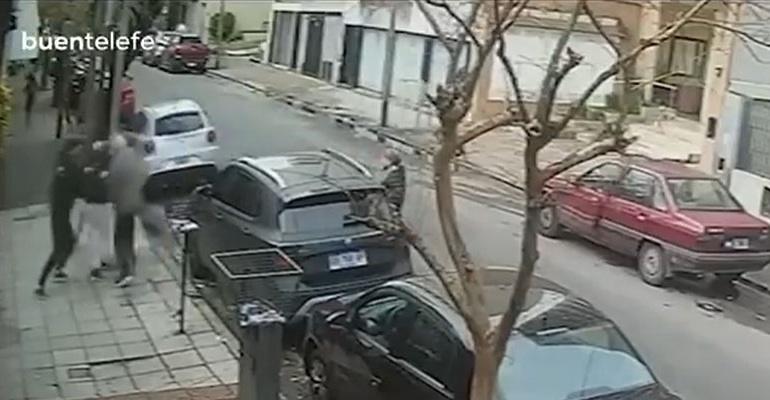
El violento robo piraña ocurrió el pasado jueves por la tarde en la calle Dr. Guillermo Gaebeler al 2100, en la zona céntrica de Lanús Este, donde una banda de…

La oposición acusó al intendente camporista de montar un mecanismo ilegal de radares sin homologación con el único fin de financiar la caja política de su espacio. La gestión del…
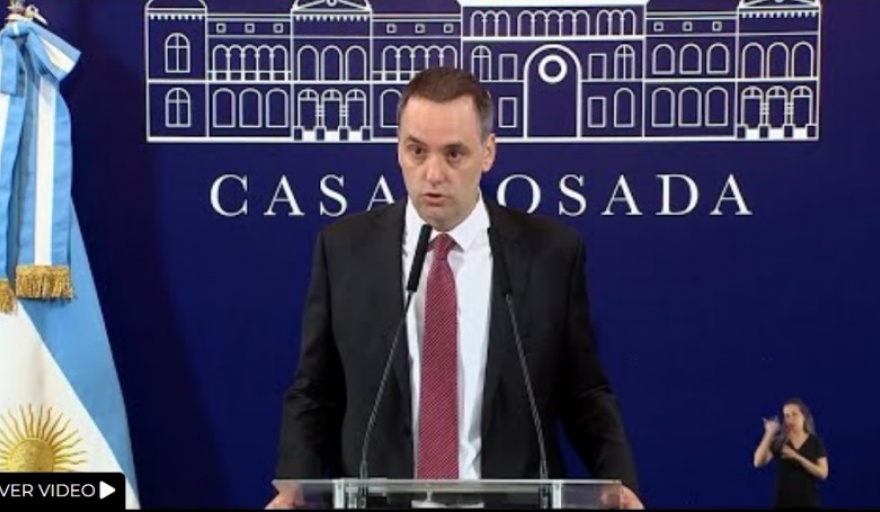
Un informe de la consultora Reputación Digital de junio de 2026 reveló que el 78,5% de las conversaciones digitales sobre el patrimonio de Manuel Adorni mostraron ira, tras sus declaraciones…
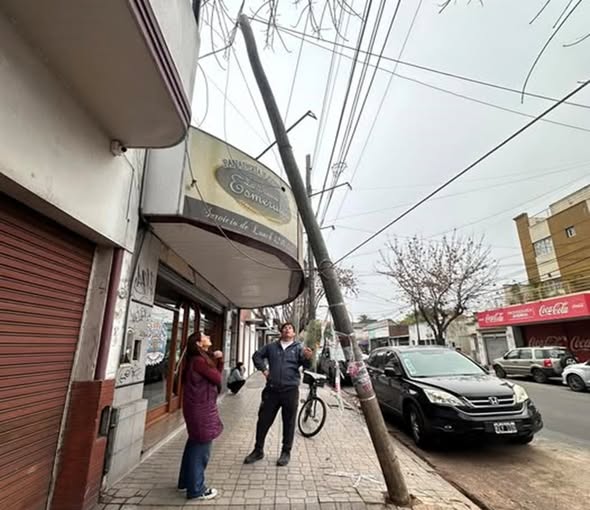
Dice Catalina: “Ya no sé a quién recurrir. Hace una semana o más, un camión descargó tierra y al descargarla golpeó el palo provocando que éste quede completamente suelto y…
El jefe de Gabinete de la Nación, Manuel Adorni, desató un verdadero terremoto político y judicial tras presentar sus declaraciones juradas patrimoniales rectificativas ante la Oficina Anticorrupción. El funcionario reconoció…
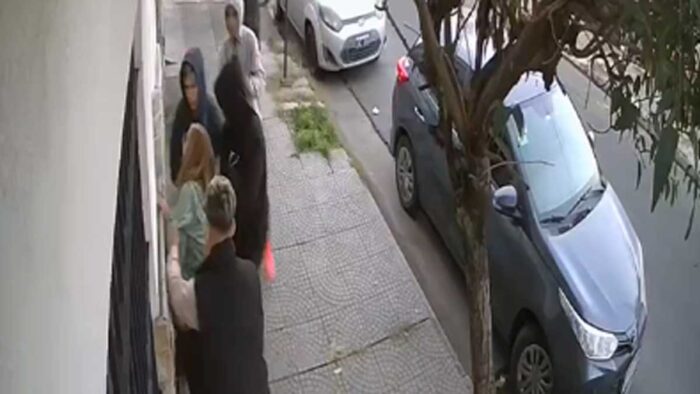
EL violento episodio ocurrió en la intersección de las calles Oncativo y Margarita Weild, una zona comercial de altísimo tránsito peatonal y vehicular en pleno centro de la localidad. Debido…
Tras recibir nueve puñaladas durante un presunto intento de robo en Lanús. El violento episodio ocurrió en la intersección de las calles Guadalupe y Oliden, donde personal policial halló a…
La denuncia del concejal de La Libertad Avanza, Ignacio “Nacho” Moroni, quedó totalmente confirmada tras difundirse las imágenes de la supuesta «mesa de diálogo» contra la inseguridad en Lanús. Lejos…
La crisis de seguridad y el descontento por las fallas operativas de La Cámpora aceleran la reconfiguración del mapa político en el sur del Conurbano. El asesor del Ministerio de…
En vísperas del Día del Periodista, el dirigente de Lanús Agustín Balladares encabezó un agasajo y brindis junto a representantes de medios locales y regionales para reflexionar sobre los desafíos…
This is how the list is displayed within the Content area just by adding the WP Show Post Shortcode. Here follows the basic styling changes that have been made.
Content Wrap (WPSP Only)
Using a custom Hook Element the Post article content is now wrapped within a DIV container. This container carries a class of wpsp-content-wrap for styling. This wrap is present on all WP Show Posts that are output inside Dispatch.
Featured Image
The featured image has a fixed height to match the layout. This is achieved using this CSS:
.generate-columns-container article .inside-article img,  .wp-show-posts-image img {
    height: 180px;
    width: 100%;
    -o-object-fit: cover !important;
    object-fit: cover !important;
}
You can edit the height property to suit, or remove the CSS it entirely if you want to use your own sizes.
Meta above title
This is achieved using a flex box on the Entry Header. Again this applied to the GP Blog:
.generate-columns-container article .entry-header, .wp-show-posts-entry-header {
    display: -webkit-box;
    display: -ms-flexbox;
    display: flex;
    -webkit-box-orient: vertical;
    -webkit-box-direction: reverse;
    -ms-flex-direction: column-reverse;
    flex-direction: column-reverse;
}
Entry Title forced to 2 lines
The entry title always displays a minimum and maximum of 2 lines. This mantains the across row alignment. Again this is applied to GP Blog. The ex unit is used to define the number of lines visible. The lines are set by defining the line-height and setting the height to as many mutiples as you require lines. e.g up the height to 7.5ex will create three lines.
.generate-columns-container article .entry-header .entry-title, .wp-show-posts article .wp-show-posts-entry-title {
    line-height: 2.5ex;
    height: 5ex;
    overflow: hidden;
    text-overflow: ellipsis;
}
List: Align
Designed for a single column list this displays the content the image to the left and content to the right. This is subtly different to just resizing the image in the WP Show Posts list settings and aligning it left. Thanks to the Content Wrap we added (above) the content will never wrap around the image. On mobile it just stacks.
To add one of these your posts requires a little markup. And is done like so:
<div class="wpsp-align">shortcode_goes_here</div>El violento robo piraña ocurrió el pasado jueves por la tarde en la calle Dr. Guillermo Gaebeler al 2100, en la zona céntrica de Lanús Este, donde una banda de…
La oposición acusó al intendente camporista de montar un mecanismo ilegal de radares sin homologación con el único fin de financiar la caja política de su espacio. La gestión del…
Un informe de la consultora Reputación Digital de junio de 2026 reveló que el 78,5% de las conversaciones digitales sobre el patrimonio de Manuel Adorni mostraron ira, tras sus declaraciones…
Dice Catalina: “Ya no sé a quién recurrir. Hace una semana o más, un camión descargó tierra y al descargarla golpeó el palo provocando que éste quede completamente suelto y…
El jefe de Gabinete de la Nación, Manuel Adorni, desató un verdadero terremoto político y judicial tras presentar sus declaraciones juradas patrimoniales rectificativas ante la Oficina Anticorrupción. El funcionario reconoció…
EL violento episodio ocurrió en la intersección de las calles Oncativo y Margarita Weild, una zona comercial de altísimo tránsito peatonal y vehicular en pleno centro de la localidad. Debido…
Tras recibir nueve puñaladas durante un presunto intento de robo en Lanús. El violento episodio ocurrió en la intersección de las calles Guadalupe y Oliden, donde personal policial halló a…
La denuncia del concejal de La Libertad Avanza, Ignacio “Nacho” Moroni, quedó totalmente confirmada tras difundirse las imágenes de la supuesta «mesa de diálogo» contra la inseguridad en Lanús. Lejos…
La crisis de seguridad y el descontento por las fallas operativas de La Cámpora aceleran la reconfiguración del mapa político en el sur del Conurbano. El asesor del Ministerio de…
En vísperas del Día del Periodista, el dirigente de Lanús Agustín Balladares encabezó un agasajo y brindis junto a representantes de medios locales y regionales para reflexionar sobre los desafíos…
Lists: Sidebar
In the right had sidebar you can see the Sidebar list. This List is set to 1 column and only displays the Featured Image, Title and Category. This is designed for Widgets, a narrow column or as part of a grid (like in our next List).
To add this style the Widget requires a CSS Class of:
wpsp-cardDispatch comes with Widget Classes Plugin installed. This provides this function.
List: Header
The Header list as seen on the Front Page requires a list containing only 5 posts. And can accomodate most of the content elements. Which are only displayed on the large leader post.
To add this style the Header Element requires the following element classes:
wpsp-grid wpsp-cardList: Simple
This is output using the wpsp-card inserted into a containing DIV like so:
<div class="wpsp-card">shortcode goes here</dib>
List: Simple Sidebar
Nothing fancy here, just a list being output using the a Widget in the sidebar.